Build Fly Code is a complete autonomous systems curriculum. Students learn to fly, code, and solve real problems with the same drone hardware used from after-school programs through service academies. Every lesson is below.
See example lessons
Everyone starts with Essentials. From there, Build Fly Code organizes learning by altitude, not by age. Students enter where they are and climb as far as they choose. The same Hopper hardware works at every stage.
The foundation of the entire pathway. Everyone begins with Essentials, every time, even returning students as a refresher. Three parts, and students do all three. Build is a chaptered video series they follow along with, motors to finished drone, so they own the machine before they fly it. Fly is an interactive 3D Hopper built from the real CAD, where they run the pre-flight check and fly all four axes on the Controller. Code is a working block workspace with the real FTW Code blocks, and that same 3D Hopper flies whatever they write. Grace puts Essentials first in every plan, no matter what.
Twelve hands-on missions for after-school programs and enrichment, 50 to 65 minutes each. Students learn to fly, solve problems, and build confidence before formal coursework begins. The arc runs from a first hover to a scored Search and Rescue finish.
Five industries, three lessons each, fifteen in total. Every lesson pairs hands-on flight with the industry behind it, and the math is real. Geometry, trigonometry, algebra, functions, and variables all show up because the mission needs them.
Part 107 taught as subject matter, not as a cram course. Three missions right now, and students work them the way they work everything else. They read a real sectional chart and pick the airspace apart, run the pre-flight inspection on the aircraft in front of them, read live aviation weather reports, and fly the mission on the Hopper they already know. Every mission workbook carries Part 107 practice questions with an answer key, the kind of question the FAA exam asks, so students meet the real material while they are flying rather than in a review session at the end.
The ladder does not end at graduation. Post-secondary programs put Hopper into a stack of their own design, drawing on the high school material with a light touch. FTW supplies the aircraft, the platform, and the foundation. The coursework around it belongs to the institution.
A learner outside any program can work the whole ladder alone. Homeschool families. Career explorers working out whether this field is for them, and career changers already moving. Adults who bought a Hopper for themselves, and parents who bought one for their kid, because time spent building an aircraft and writing the code that flies it is time not spent on a phone or a game. Same content, same ladder, at the pace you set.
The ladder gains a rung. Think brings reasoning and sensing to the Hopper already sitting in your classroom. This may be the part that matters most.
Free, on the Hopper you already own. Soon.
Yes, and the most important part is the free part. Build Fly Code Essentials is the foundation every student starts with, and all three modules, Build, Fly and Code, are open on the resources page with no login. Three complete lessons are also free to download on this page, one each from Hopper Quest, Precision Agriculture and FTW Part 107. Those are examples of the paid curriculum rather than a second free tier. Each is a real lesson with the teacher lesson plan, the slide deck and the student workbook, the same set every paid lesson ships with, so you can see exactly what you would be buying. The full ladder from fifth grade to post-secondary, and the platform, are paid. Nothing is behind a form, so you can read the free material and judge the rest before talking to anyone.
Three files. The teacher lesson plan with objectives and timing, the slide deck to teach from, and the student workbook. That is the same set a paid lesson ships with, so the free ones show the real format rather than a preview of it.
Yes, and further than most people expect. Build Fly Code Essentials asks for no drone at all. Build is a video series you can watch start to finish, and Fly and Code both run on a simulated 3D Hopper in a desktop browser, so a student learns the parts, the power and propulsion, flight safety, the four flight axes and the Controller, and writes real code that flies, with nothing in the room. The downloadable lessons teach the same material, and the Part 107 content stands entirely on its own. What a real Hopper adds is the flight itself, the point in each lesson where students fly and program an actual drone to complete the mission.
Build Fly Code Essentials, free and complete with all three modules, Build, Fly and Code, lives on the resources page.
Build Fly Code Compete is our national competition. Three challenges, three different skill sets. One is won on the sticks, one with a hook attachment, one entirely in the code editor. They sit inside three of the five industries, but the challenge content is additional to the classroom curriculum, not a repeat of it. The fall window of the 2026/27 season is coming. Same Hopper. New stakes.
See the Competition →Every lesson comes with everything an educator needs. No curriculum development required.
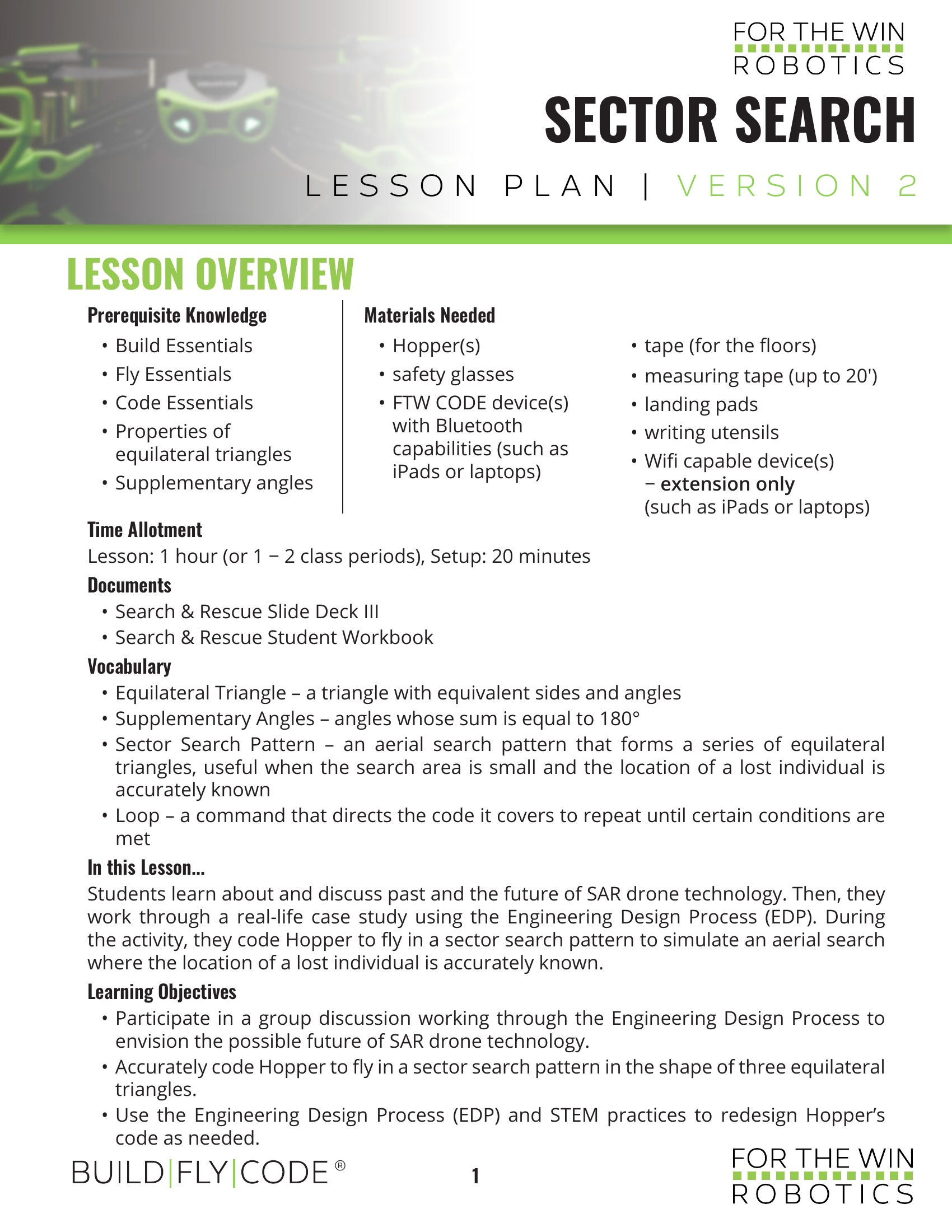
Detailed, case-study-based lessons with setup schematics, extension activities, embedded formative assessments, and sample responses. Everything you need to deliver engaging, standards-aligned instruction.
Each lesson includes a slide deck that provides real-world context, outlines key details, and sets clear expectations for each phase of execution. Check-for-understanding questions are embedded throughout.
Available in digital and printable formats. Students log data, respond to scenario-based questions, and reflect on their findings during each simulation.
Three complete lessons, one from each rung of the ladder, free to download with no form to fill in. These are examples of what the paid curriculum is: not trailers, not previews, but three real lessons pulled straight out of it, each with the teacher lesson plan, the slide deck and the student workbook that every paid lesson ships with. Read them and you know exactly what the rest looks like.
Curriculum, programming, hardware, software. Bring us a lesson that will not run, code that will not compile, or a Hopper that will not fly right, and you get a live person on video. Not a ticket number. The team that builds all of it.
Teaching a class, homeschooling, or building a summer camp? Grace knows the FTW curriculum cold, every lesson across Build Fly Code, Hopper Quest, Part 107, and Essentials. Tell her your grade level, your schedule, and what you have, and she will advise you on where to start, what to run, and how to pace it across your weeks. Ask her anything. She is the expert, and she is right here.
Build Fly Code is built for institutional adoption. Every component meets the compliance, documentation, and funding requirements that program directors and district procurement offices need.
Hopper hardware and BFC curriculum qualify as CTE equipment and instructional materials under the Strengthening Career and Technical Education for the 21st Century Act. FTW provides grant documentation support for district procurement offices.
Hopper is not exposed to components from prohibited foreign manufacturers, making it fully compliant with NDAA Section 889. Eligible for use in Title I schools, JROTC programs, federally funded workforce contracts, and defense-adjacent curricula.
FTW Robotics accepts purchase orders and works directly with district procurement teams. Quote requests, sole-source justification letters, and compliance documentation are available upon request.
Tell us about your program. We will research local, state and national grant opportunities specific to your situation and share our findings with you directly.
Hopper Firmware 2.0 is here. A brand new sensor fusion and flight stability algorithm delivers decisively better flight.
Hopper holds position better, responds more precisely, and handles rough landings without drama. Crash detection was rebuilt, so a normal landing no longer leaves the drone unable to take off again.
Every Hopper gets it. Free. It loads onto drones already in the field through the FTW Fly app in a few minutes. Nothing to buy, nothing to ship back, no new hardware.
That is possible because FTW owns its entire flight control and telemetry stack. American built, wholly owned, zero outside dependency. When the software gets better, the drones already in your classroom get better with it.
Watch the walkthrough, then open FTW Fly and update yours.