You don't need to know anything about drones or coding to start. Learn drone technology, autonomy, and real coding yourself, then teach it to your learners. What you learn is exactly what you'll teach. Everyone begins with Essentials, and Grace guides you the whole way.
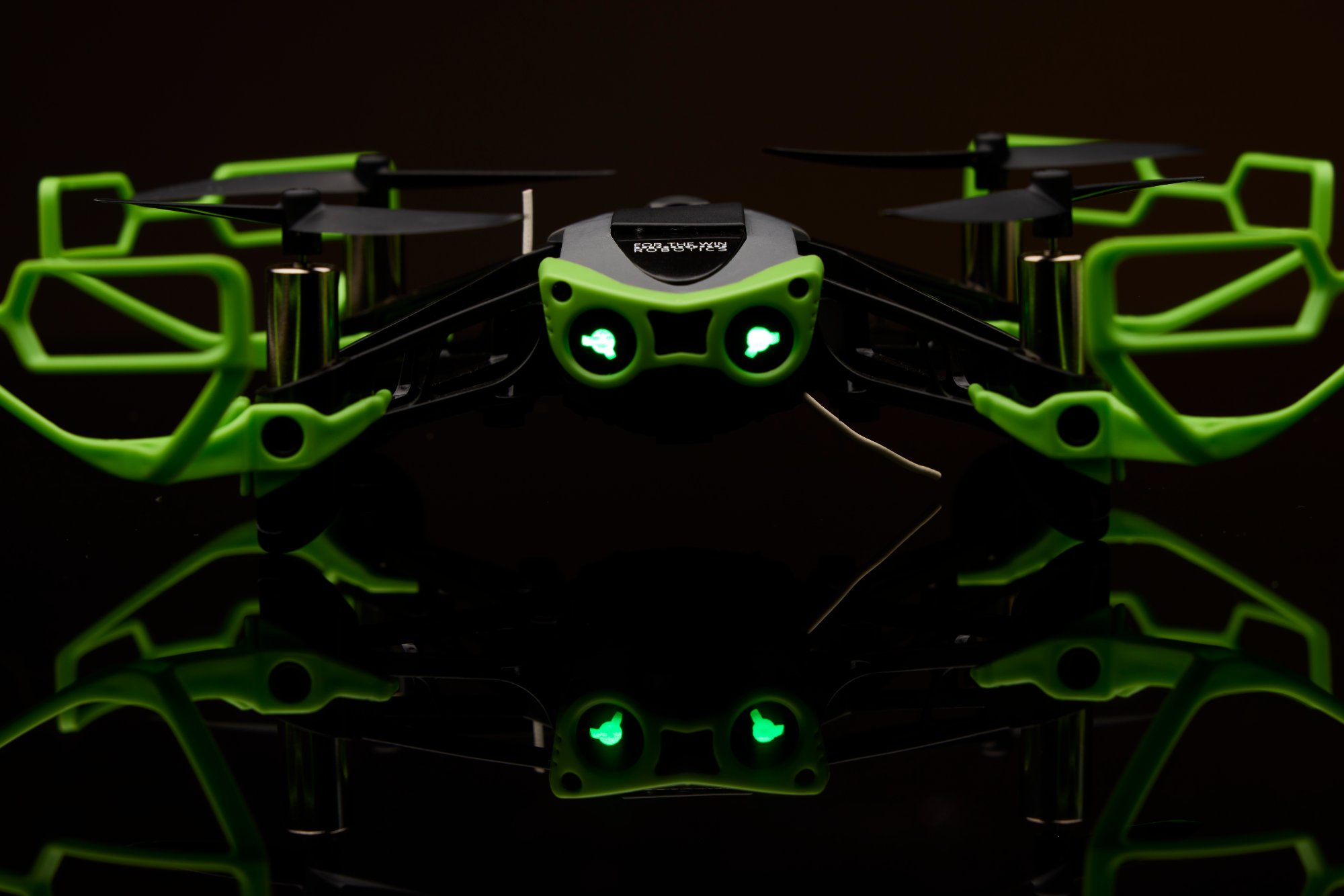
You do not need a tech background or a teaching degree. Everyone starts with Essentials, the foundation. After that, the path is yours, whether you are learning for yourself or building the right mix for your learners with Grace. And if you are a teacher who wants Hopper in your classroom, master it yourself first. The Explorer is how you get ahead of your students before the fleet arrives.
The foundational guide to your Hopper. Everyone starts here, every time, even returning users, as a refresher before they climb. Three parts: Build, Fly, and Code. Build is the mastery core. You learn every part of the Hopper, from motors and PCB to propellers and battery, so you own the machine before you fly it.
Then you learn to fly it safely, and you write real code. Essentials covers actual programming, from what an algorithm is to writing loops that fly Hopper through an autonomous mission. The Build is a full chaptered video series you follow along with, motors to finished drone. No experience needed. Just press play and build.
Watch the buildThere is no fixed order. Start with Build Fly Code and skip ahead, run a stack of Legacy Activities your learners love, or stay with Hopper Quest. Grace builds the right mix for you. The same Hopper works across all of it.
Twelve hands-on missions with no prerequisites. Fly, solve problems, and build confidence. A favorite first stop for younger learners.
Five real-world verticals: emergency response, agriculture, package delivery, search and rescue, and site inspection. Jump straight in if you want.
FAA Part 107 prep, independent mission design, and a deep library of Legacy Activities. Go as far as you like, in whatever order fits.
No curriculum to build. Every lesson includes a teacher lesson plan with setup and assessments, a slide deck with real-world context, and a student workbook for logging data and answering scenario questions. You learn it, the materials are ready, you teach it.
This is not a screen exercise. You and your learners assemble a real American drone part by part, fly it, and write the code that controls it. The same hands-on path students follow in classrooms nationwide, from first flight to coded missions through towers, landing on targets, and search and rescue simulations.
Grace knows every lesson across Hopper Quest, Build Fly Code, Part 107, and Essentials. Tell her your learners and what you want them to learn, and she will tell you where to start, what each lesson covers, and how long it runs. Essentials leads the way, so you always start at the beginning. Ask her anything.
Grace advises you on planning. She helps you think through where to start, what to run, and how to pace a semester or a camp. Her advice is a starting point you finish with your own judgment.
Grace advises only from real platform lessons, named so you can find them. We encourage you to browse the other lessons and challenges in each category she draws from, and teach the one that fits your learners best.
Grace is FTW's expert assistant, and she is still improving, and so are we. A real person reviews her advice, so if you leave your name and email we will reach out if we spot something worth correcting. You do not have to. Either way, it helps Grace and our team get better.
The platform keeps growing. New lessons, challenges, and content land regularly, and we keep you updated as releases go live.
The Explorer Kit is packed with extras on purpose. A second battery pack, double the spare motors and propellers, backup body panels, and a spare airframe. Learners crash drones. This kit expects it and keeps flying. And it comes with a full year of the Build Fly Code platform, so the curriculum is included from day one.
Printed circuit board, controller, motors, propellers, body panels, airframe, and carry case. Everything to build one full Hopper aircraft from the ground up. Sold as Hopper at the shop. The Explorer Kit adds everything below.
A second Hopper Battery Pack: three more batteries, a charging dock, and a USB power cable. Six batteries total with your Hopper. Batteries rotate through the docks while you fly, so the session never waits on a charge.
Four spare motors, four spare propellers, and an extra set of prop guards, doubling the spares your Hopper already includes. The parts that wear and break, stocked deep from day one.
A full second set of body panels and a spare airframe with feet. Rebuild after a hard landing and get right back in the air. Add a Hopper printed circuit board from the shop and the spares become a complete second Hopper, ready to deploy.
A full year of the coding platform that turns the drone into real learning. The same curriculum used in schools across the country.
Hopper at $300 plus the Explorer Kit at $195. The drone, every extra above, and 12 months of Build Fly Code, the same real curriculum platform used in classrooms across the country, now available to everyone.
Ask Grace what you could learn or teach, then get the drone that runs it.
Hopper Firmware 2.0 is here. It is the largest improvement to flight control and stability we have ever shipped.
Hopper holds position better, responds more precisely, and handles rough landings without drama. Crash detection was rebuilt, so a normal landing no longer leaves the drone unable to take off again.
Every Hopper gets it. Free. It loads onto drones already in the field through the FTW Fly app in a few minutes. Nothing to buy, nothing to ship back, no new hardware.
That is possible because FTW owns its entire flight control and telemetry stack. American built, wholly owned, zero outside dependency. When the software gets better, the drones already in your classroom get better with it.
Watch the walkthrough, then open FTW Fly and update yours.